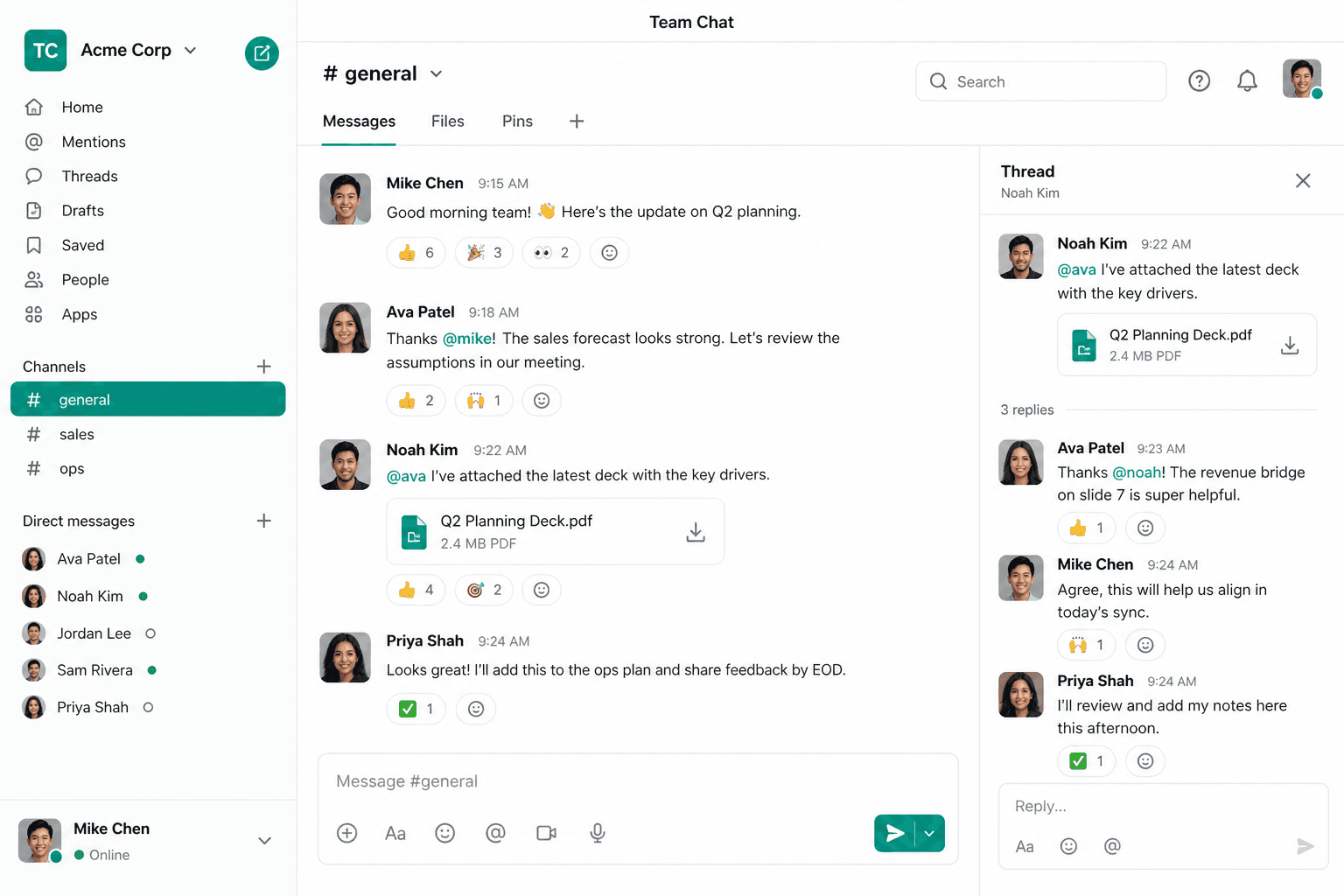
Team Chat — internal chat that lives with your apps
Channels, DMs, Talkspace, and AI digests — leave, customers, and work stay in one workspace.
Contact Product AgencyWhy chat still sits outside the business
WhatsApp, Slack, and email each hold a piece — leave, customers, and files never catch up.
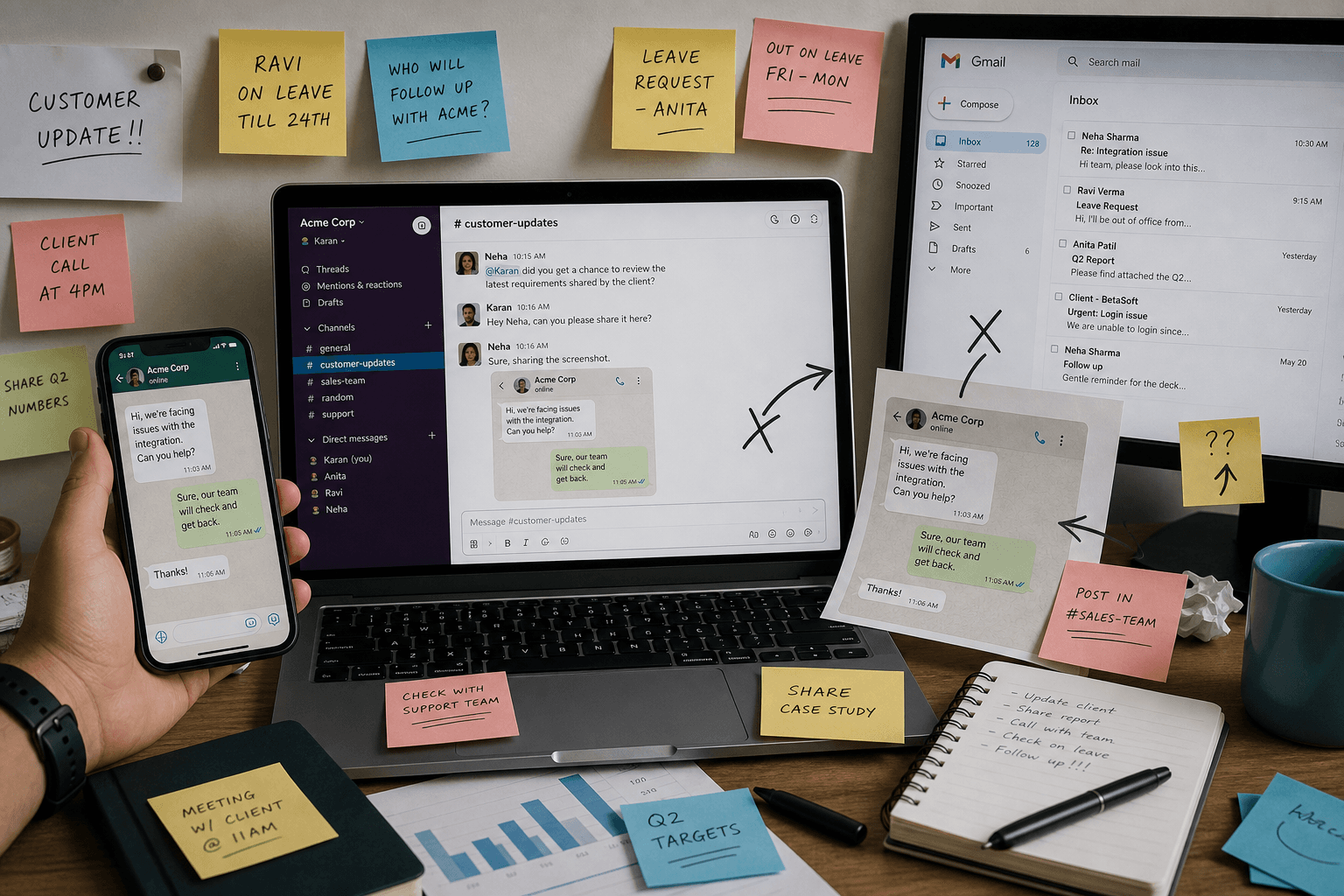
Chat outside the company stack
Day-to-day talk lives in apps that don't know your HR, CRM, or customer inbox.
Screenshots instead of context
People paste customer threads into group chats — history is lost and nothing is searchable.
Leave and meetings never land in chat
Who is away tomorrow? Who is in a call? The team finds out too late — or not at all.
Another seat for another tool
Slack for chat, Zoom for calls, email for digests — one more login, one more bill.
Channels, DMs & rich messages
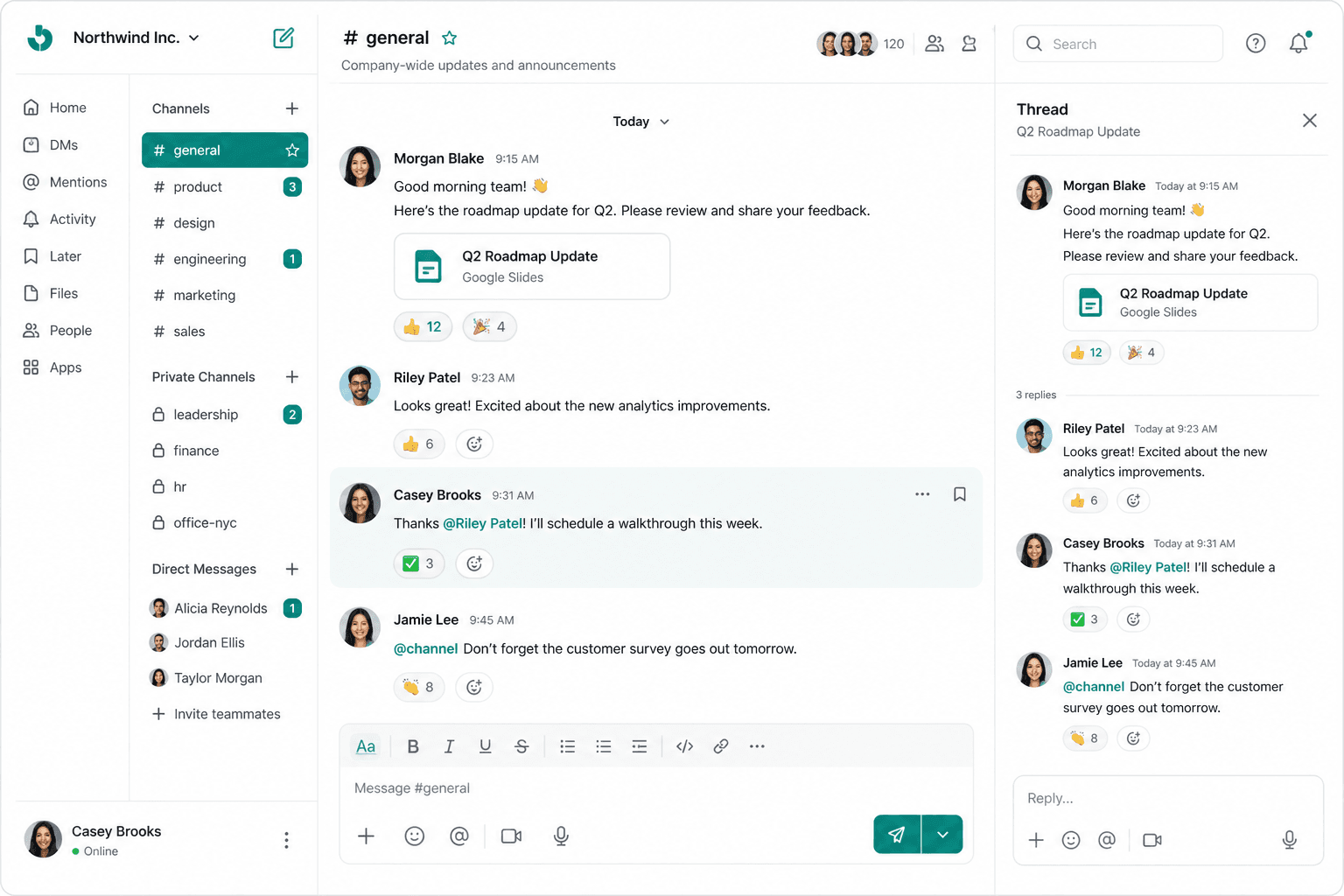
Slack-like messaging inside B-Suite — #general for everyone, private spaces when you need them.
Channels & direct messages
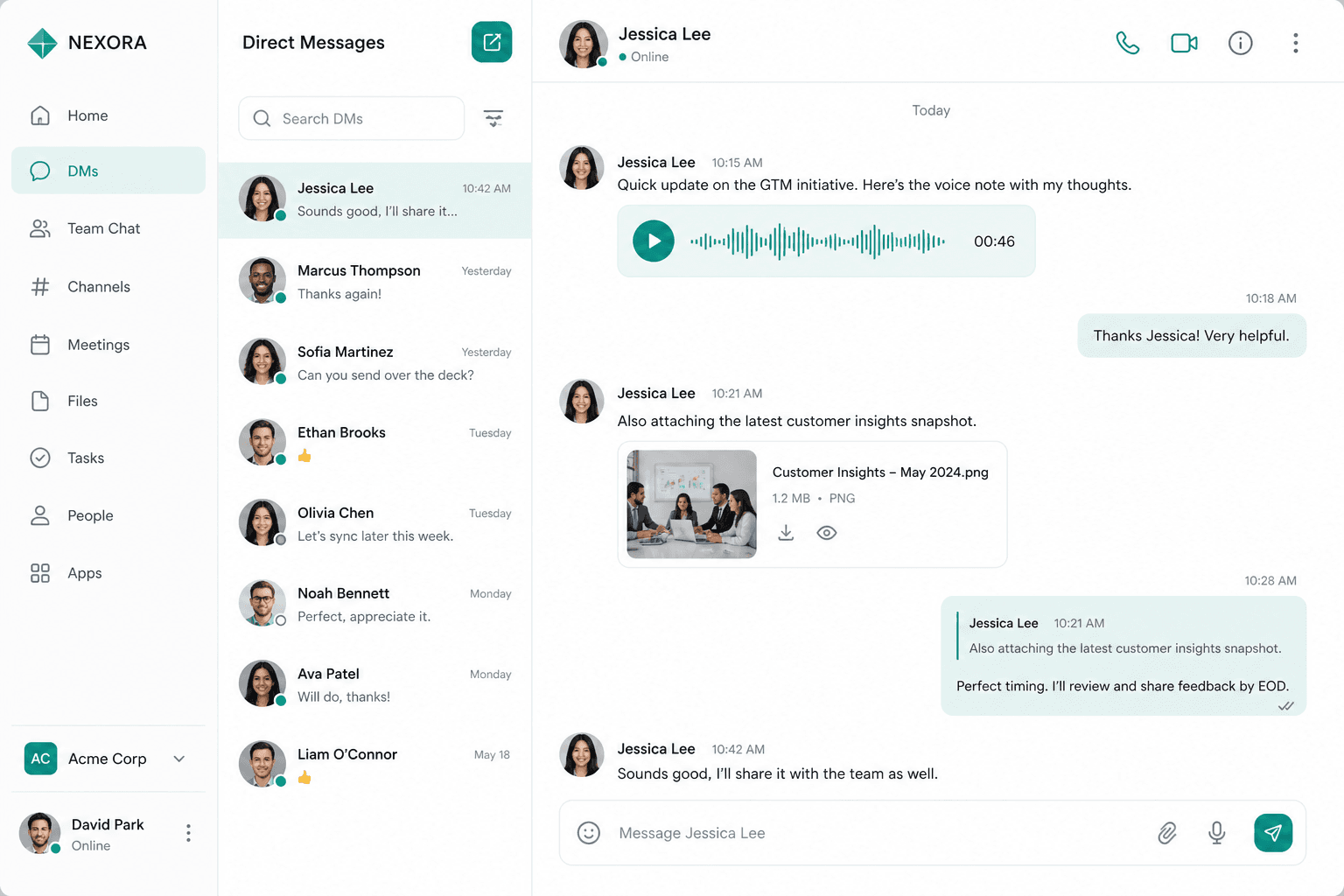
Public and private channels, star and mute, auto-join #general — plus 1:1 DMs.
Threads, mentions & forward
Keep side discussions tidy with threads, @mentions, quote reply, and forward.
Files, voice & preview
Images, docs, audio, and voice messages with in-app preview — no app hopping.
Talkspace & presence
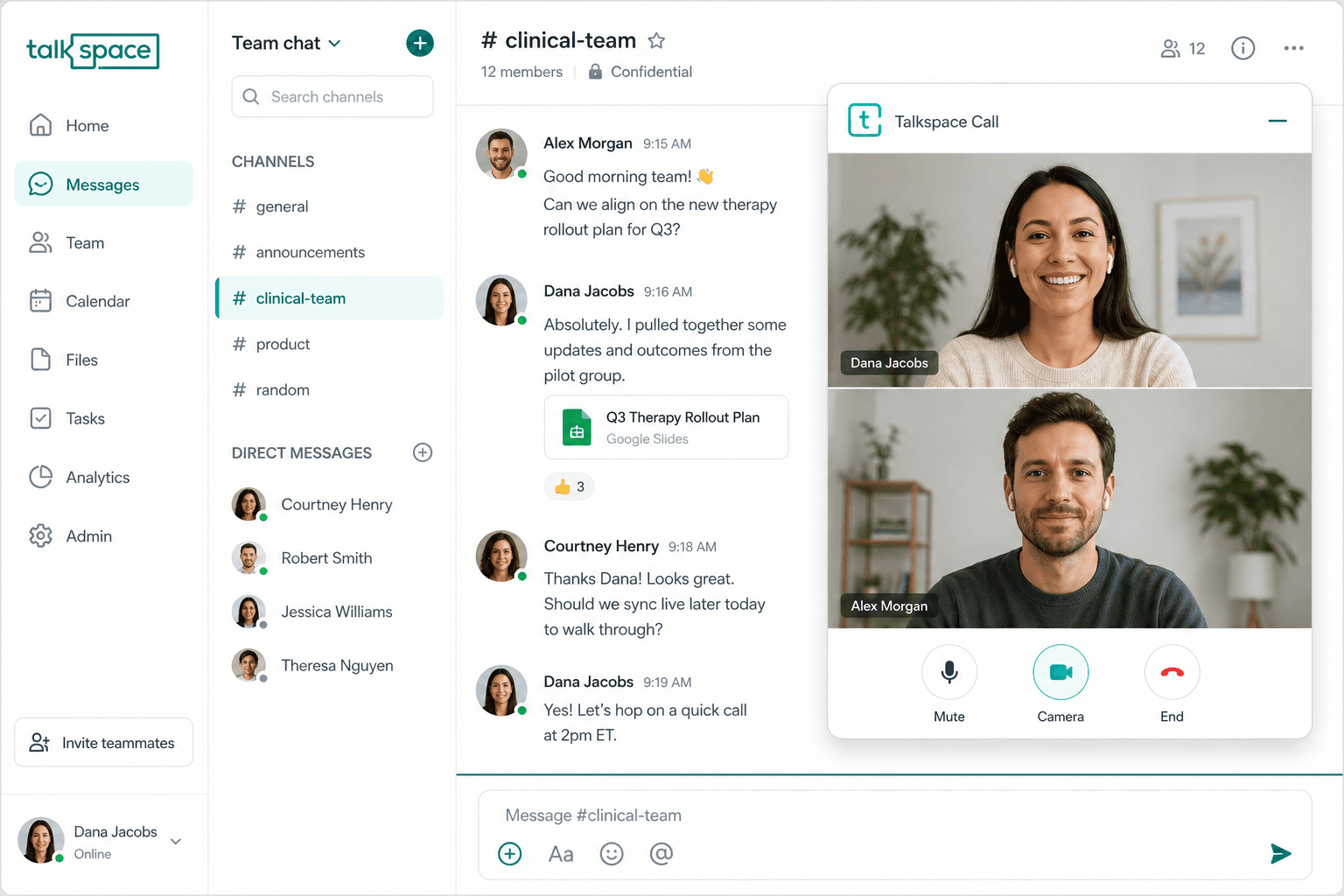
Jump on a quick voice or video call without scheduling — and see who's available.
01
Instant Talkspace calls
Start an informal voice or video room from chat — minimize and keep working.
02
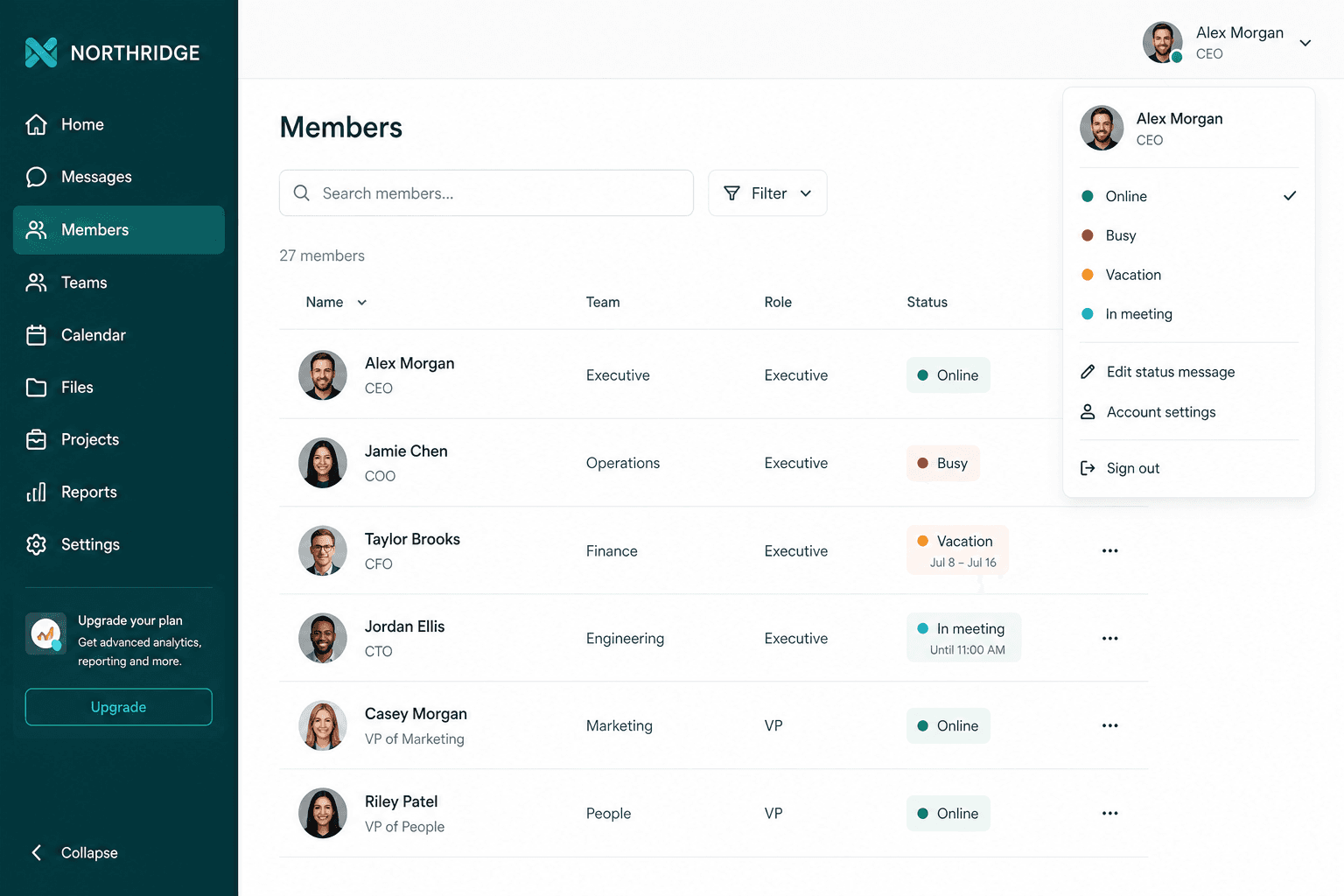
Presence that means something
Online, busy, vacation, or in a meeting — so teammates know when to reach you.
03
Chat stays the hub
Talkspace for quick syncs; Meeting Center when you need a scheduled, customer-linked meeting.
Stay notified — without the noise
In-app, browser, Web Push, and email when you're offline — mute what doesn't matter.
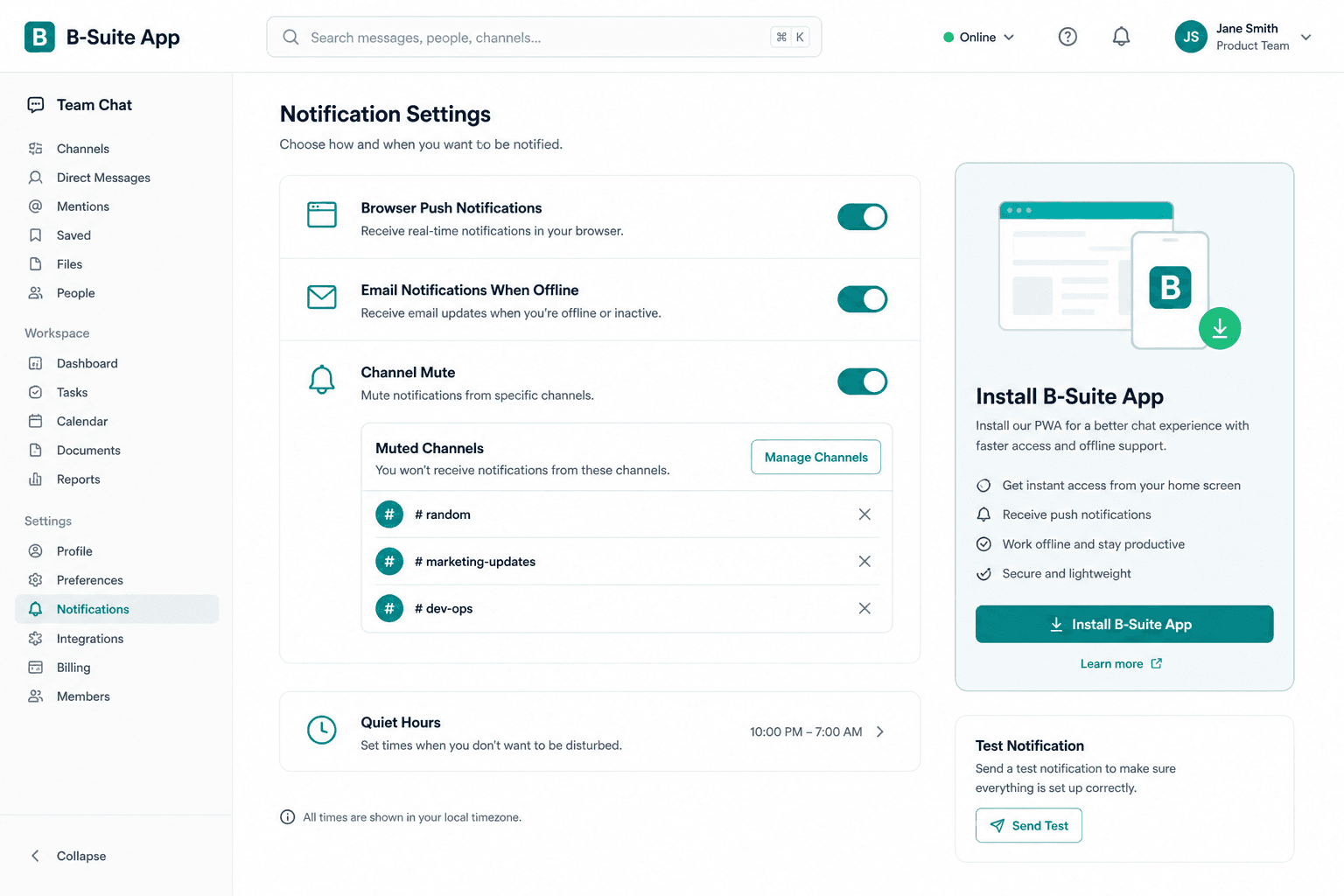
Push, browser & email
Catch mentions and DMs where you are — email when you're offline so nothing critical slips.
Mute per channel
Quiet noisy rooms while keeping #general and DMs loud enough.
Install as an app
PWA install for more reliable desktop and mobile alerts — same workspace, fewer missed pings.
Connected to HR, customers & AI
Team Chat isn't a silo — digests, shares, and Copilot meet you in the same threads.
01
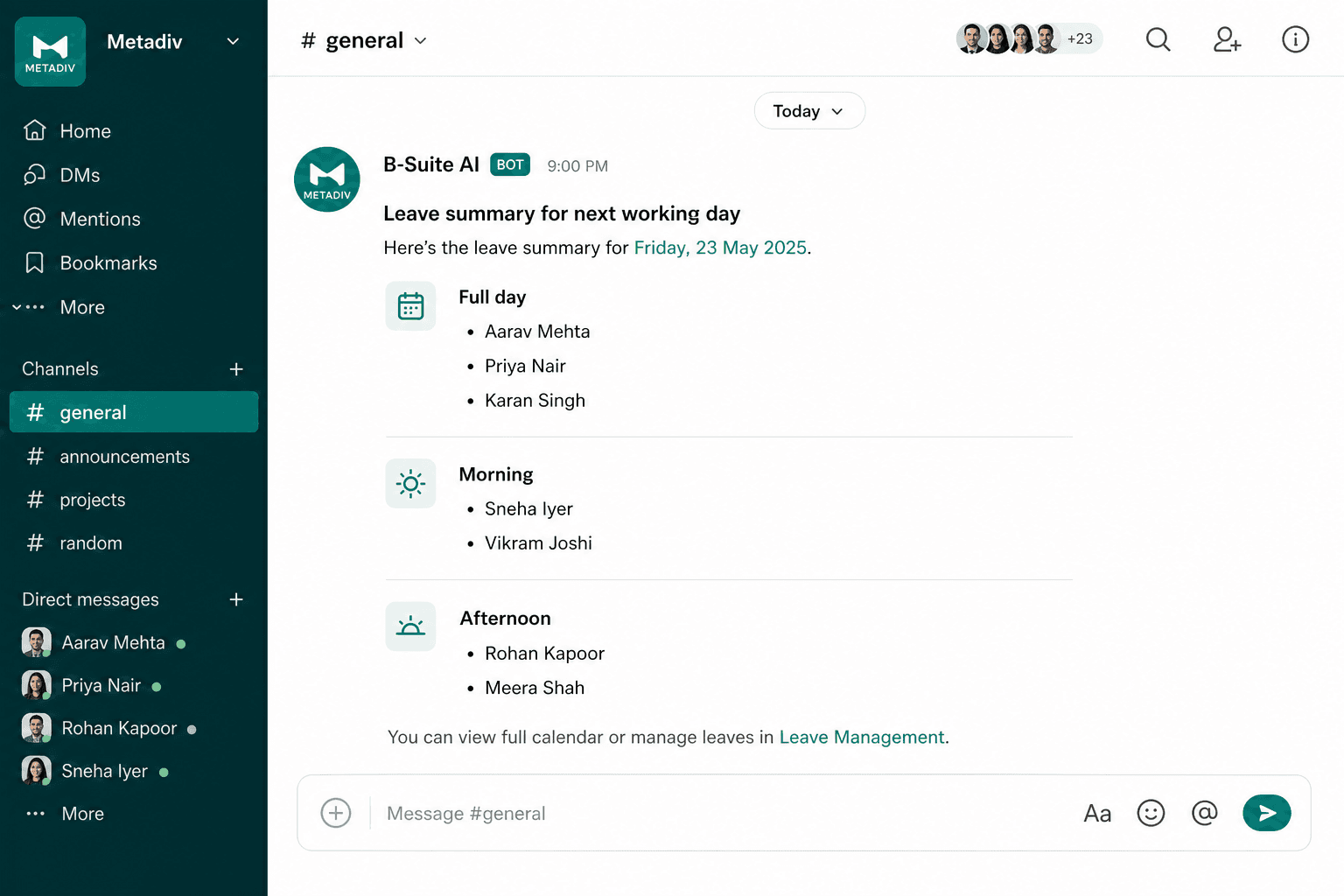
HR leave digests
Optional B-Suite AI post to #general listing who's on approved leave the next working day.
02
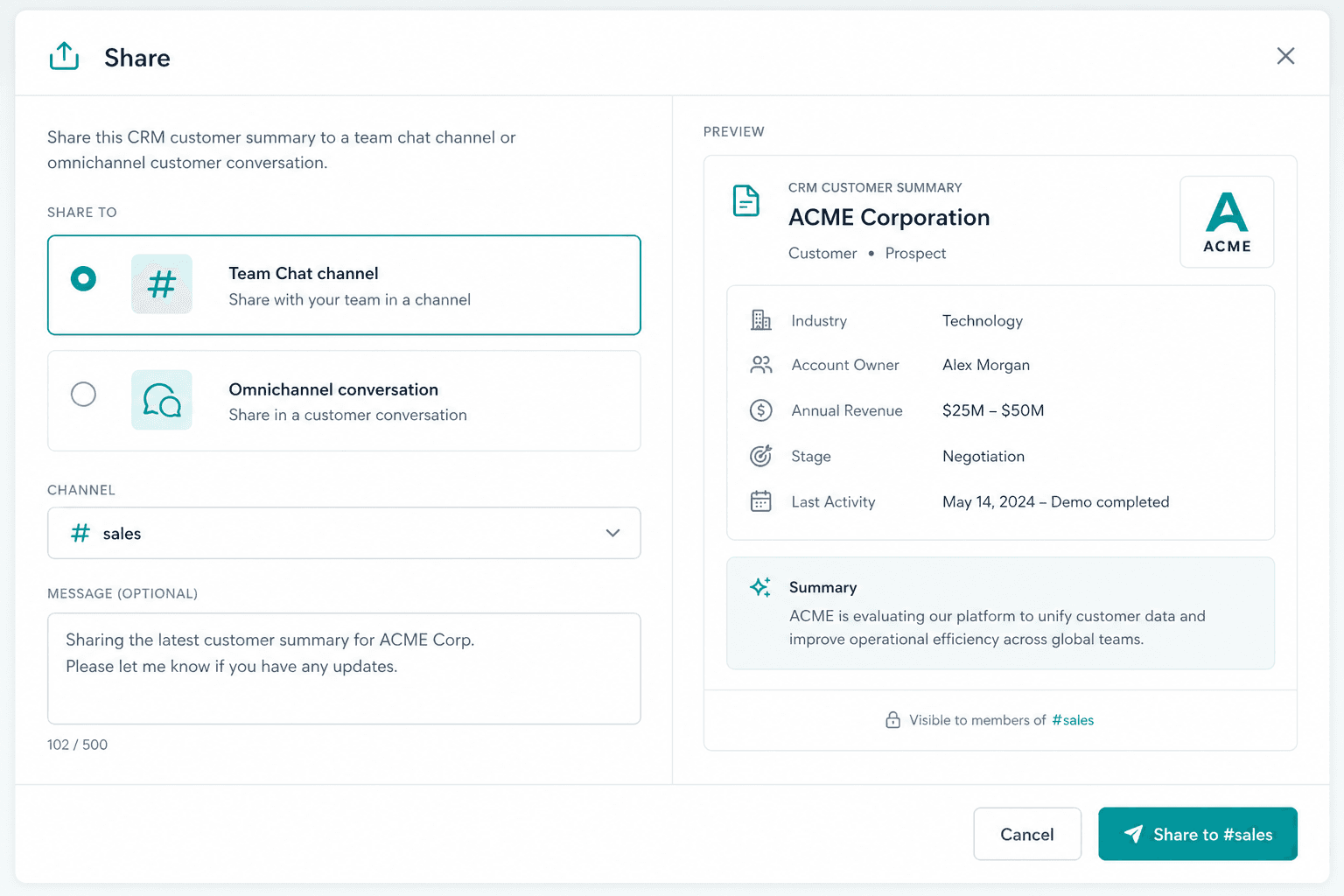
Share with Omnichannel & CRM
Send customer or deal context into a channel or DM — and share chat out to Omnichannel when needed.
03
OperAgent can chat too
Workspace Copilot uses Team Chat tools to list, send, search, and forward — in plain language.

Curious if Team Chat can replace Slack inside B-Suite?
Tell us how your team messages today — we'll reply with a practical next step, not a sales pitch.
Contact Product Agency