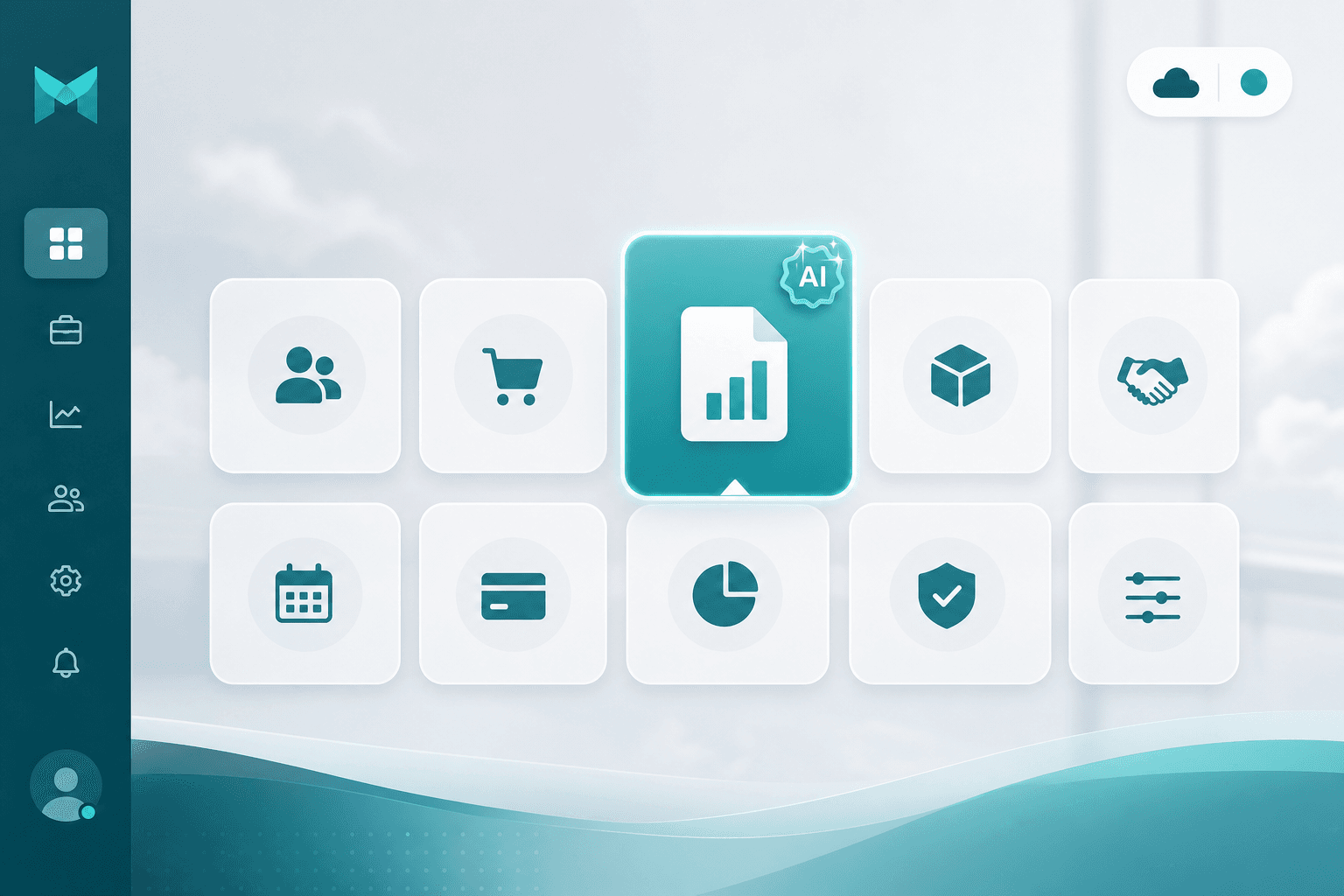
Accounting AI — full books, less paperwork
Import documents with AI, run sales & purchases, reconcile banks, and ask OperAgent to post or report — HK & AU ready.
Talk to a ConsultantWhy bookkeeping still eats your week
PDFs, spreadsheets, and disconnected tools — entry, matching, and reporting stay manual.

Hours lost to document entry
Staff re-type every line from PDFs and photos into your system.
Sales and purchases in separate tools
Quotes, invoices, POs, and bills live in different apps — AR/AP never stay in sync.
Bank reconciliation backlog
Statement lines pile up unmatched — finding payments takes time.
Reports and payroll bolted on
GL, aging, and payslips sit in yet another system — month-end becomes a scramble.
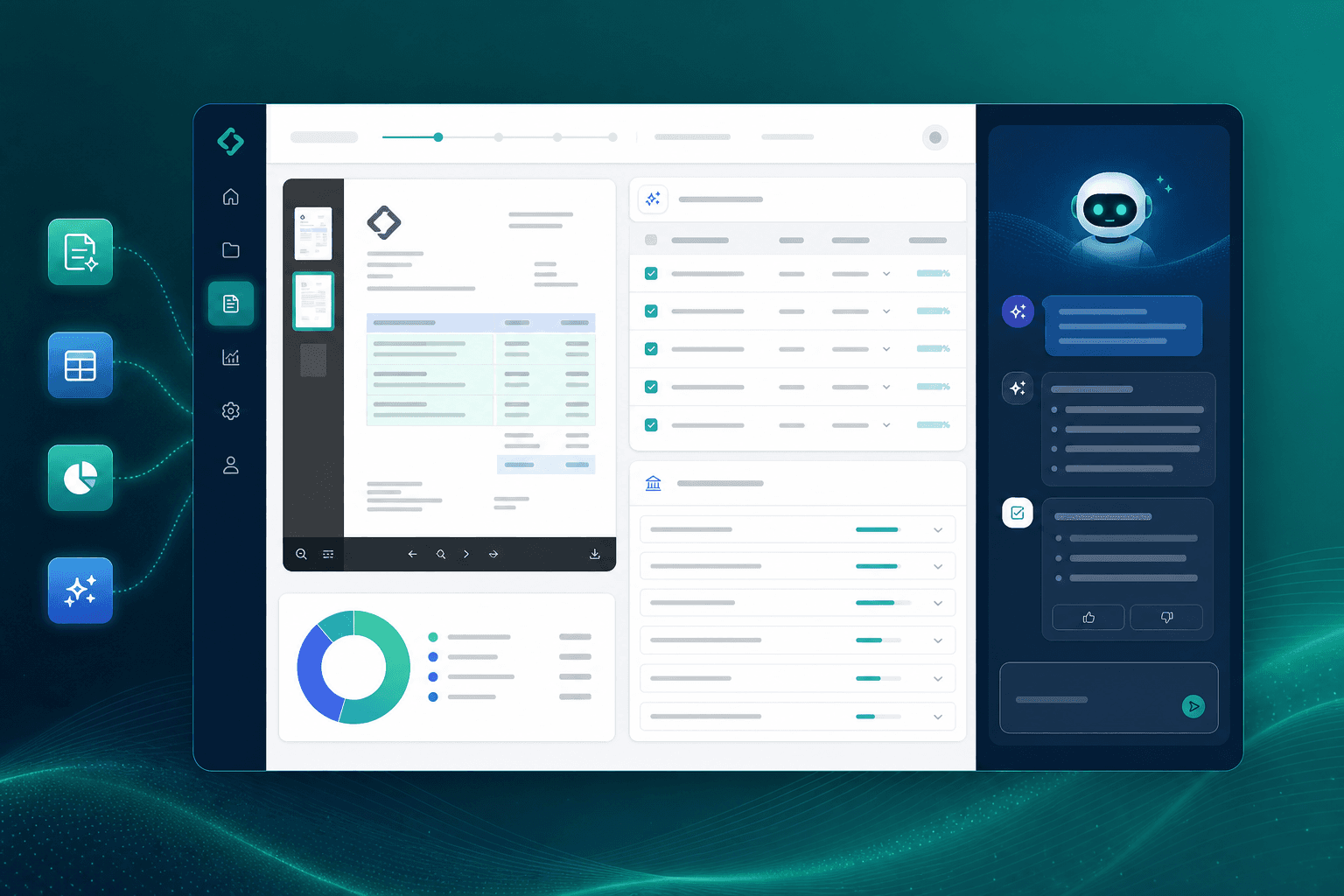
AI document import
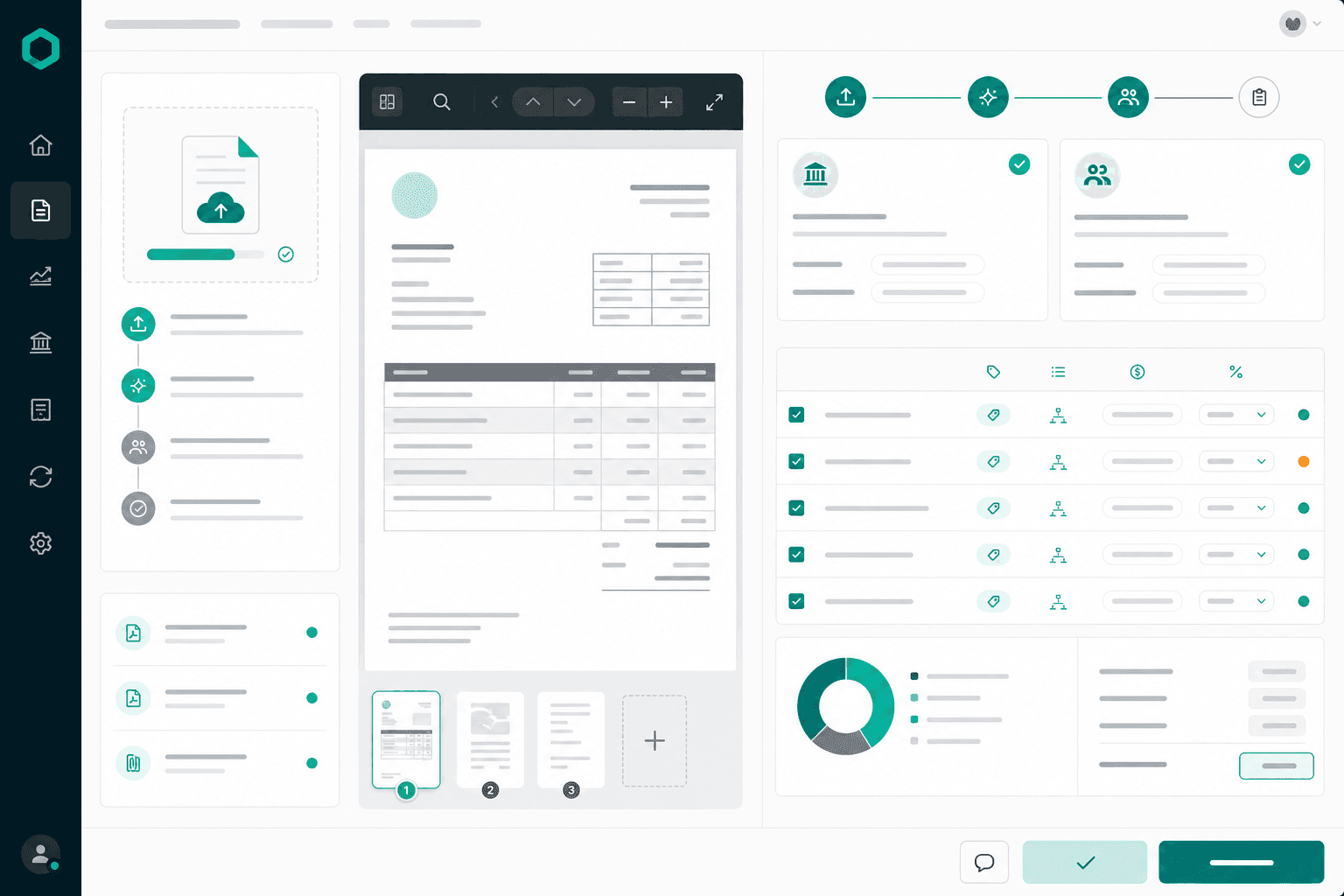
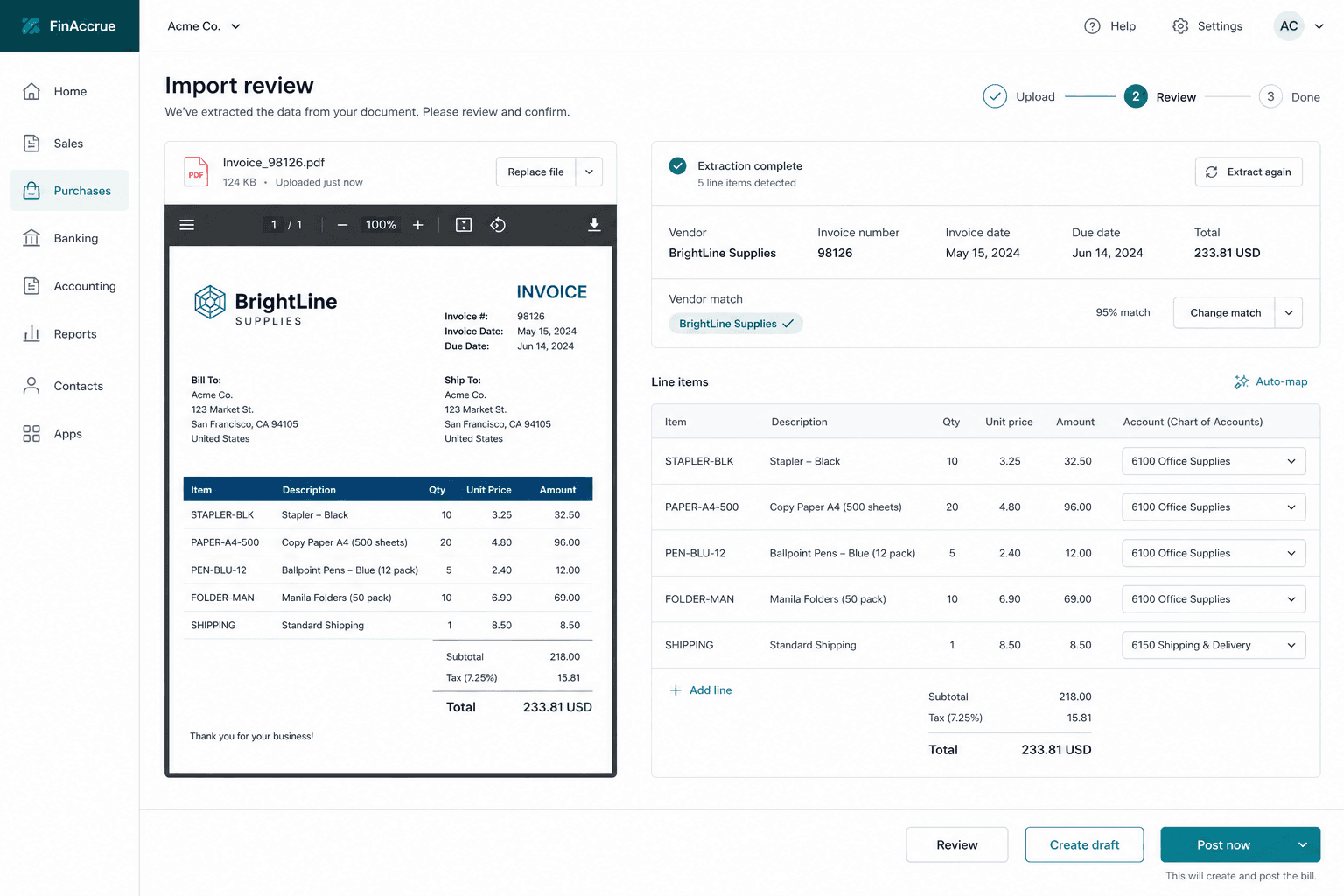
Upload → extract → match accounts — review before anything posts.
Nine import types
Quotations, invoices, payments, credit notes, POs, bills, debit notes, bank statements, and chart of accounts.
Auto-match parties & accounts
AI suggests customers, vendors, and COA lines — apply one account to all rows when needed.
Review, then draft or post
Side-by-side preview with custom AI instructions — Create draft or Post now when you're ready.
Sales, purchases & 3-way match
Quote to cash and procure to pay — one ledger, clear AP/AR.
01
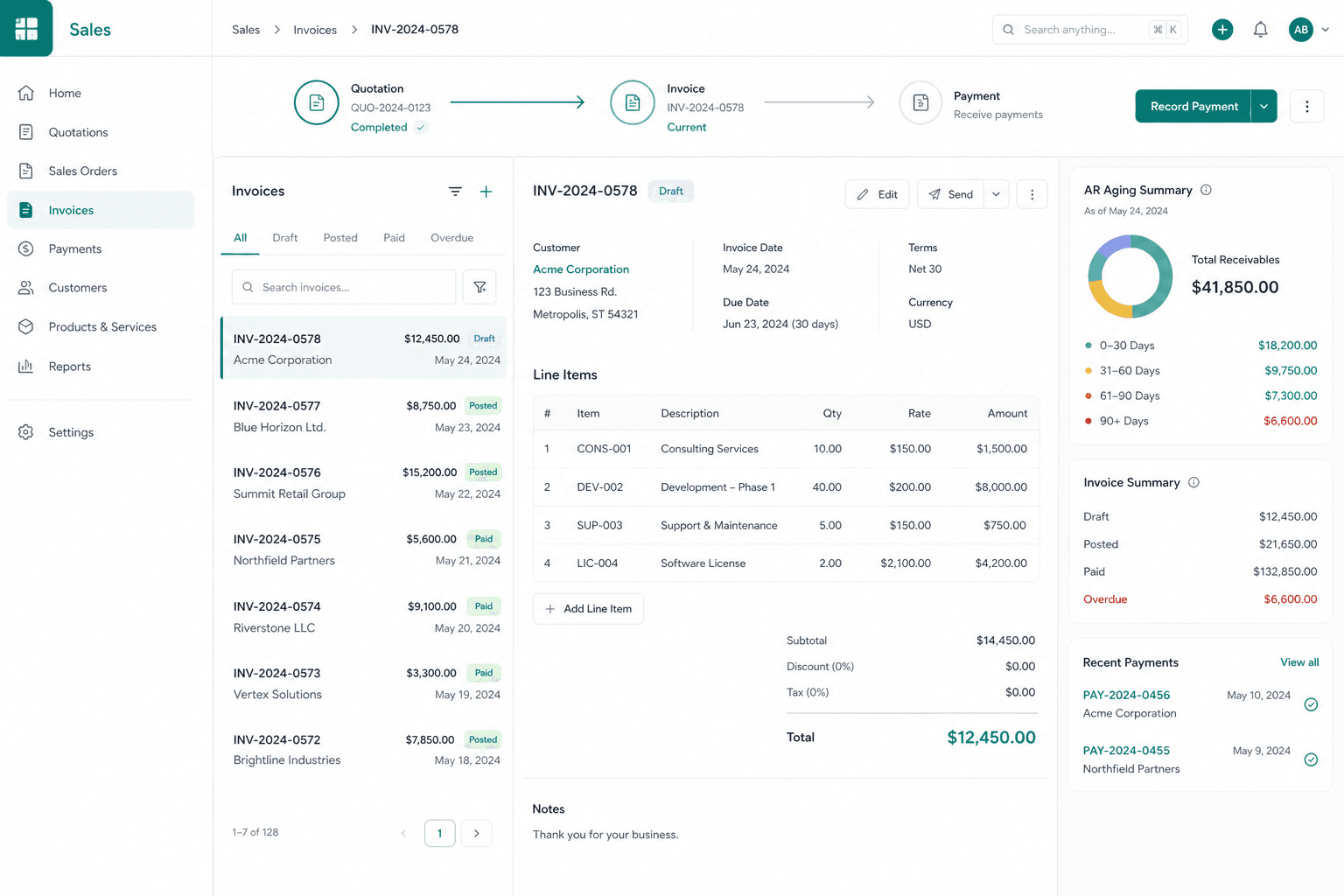
Sales & AR
Quotations → invoices → credit notes → receipts. Track aging and convert quotes in one flow.
02
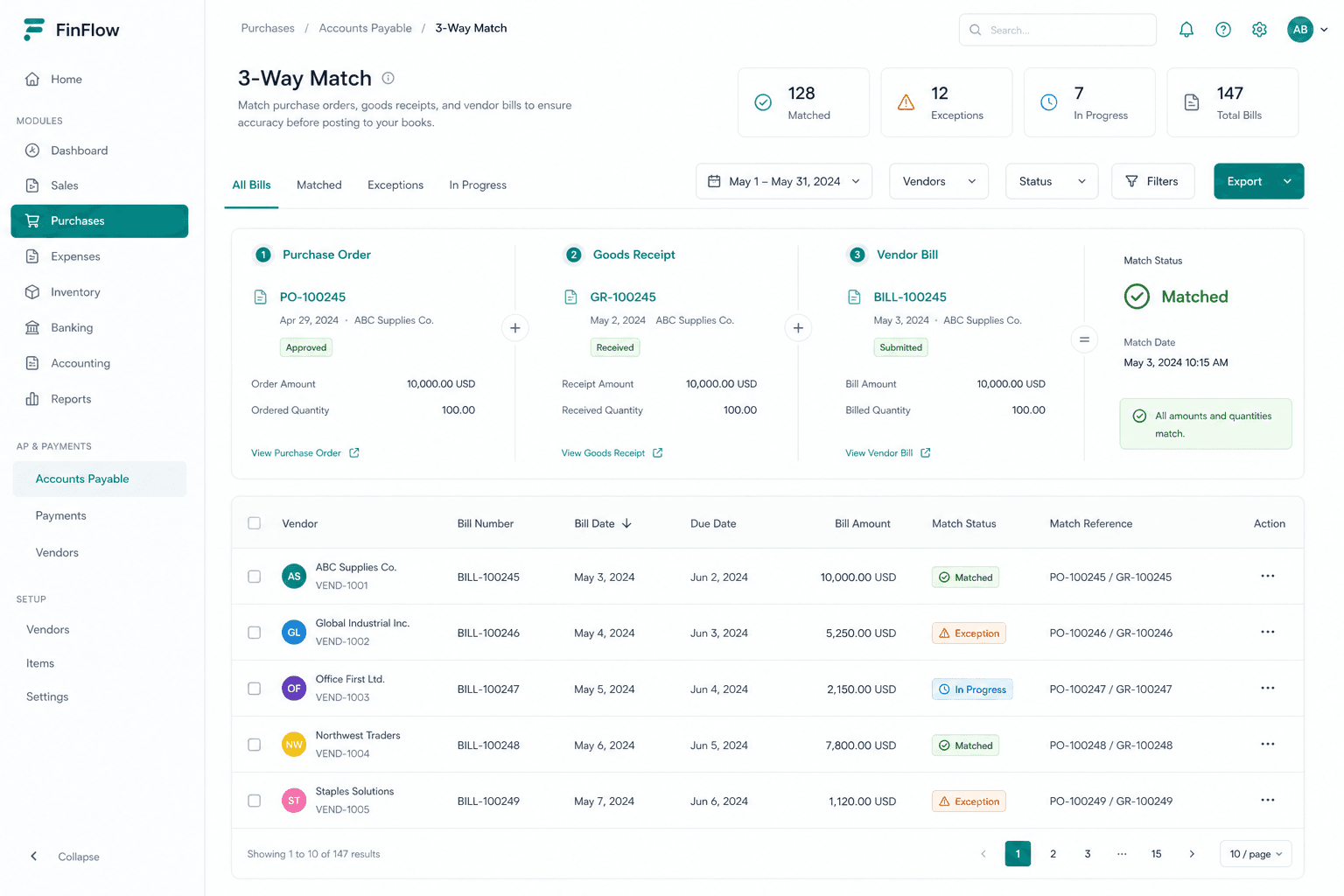
Purchases & AP
POs with approval, goods receipts, bills, and debit notes — AP dashboard for overdue and upcoming dues.
03
3-way matching
Match PO + GRN + bill with qty/price tolerances — Matched, Partial, Exception, or Unmatched.
Bank recon, journals & reports
Close the books with statement matching, double-entry, and exportable reports.
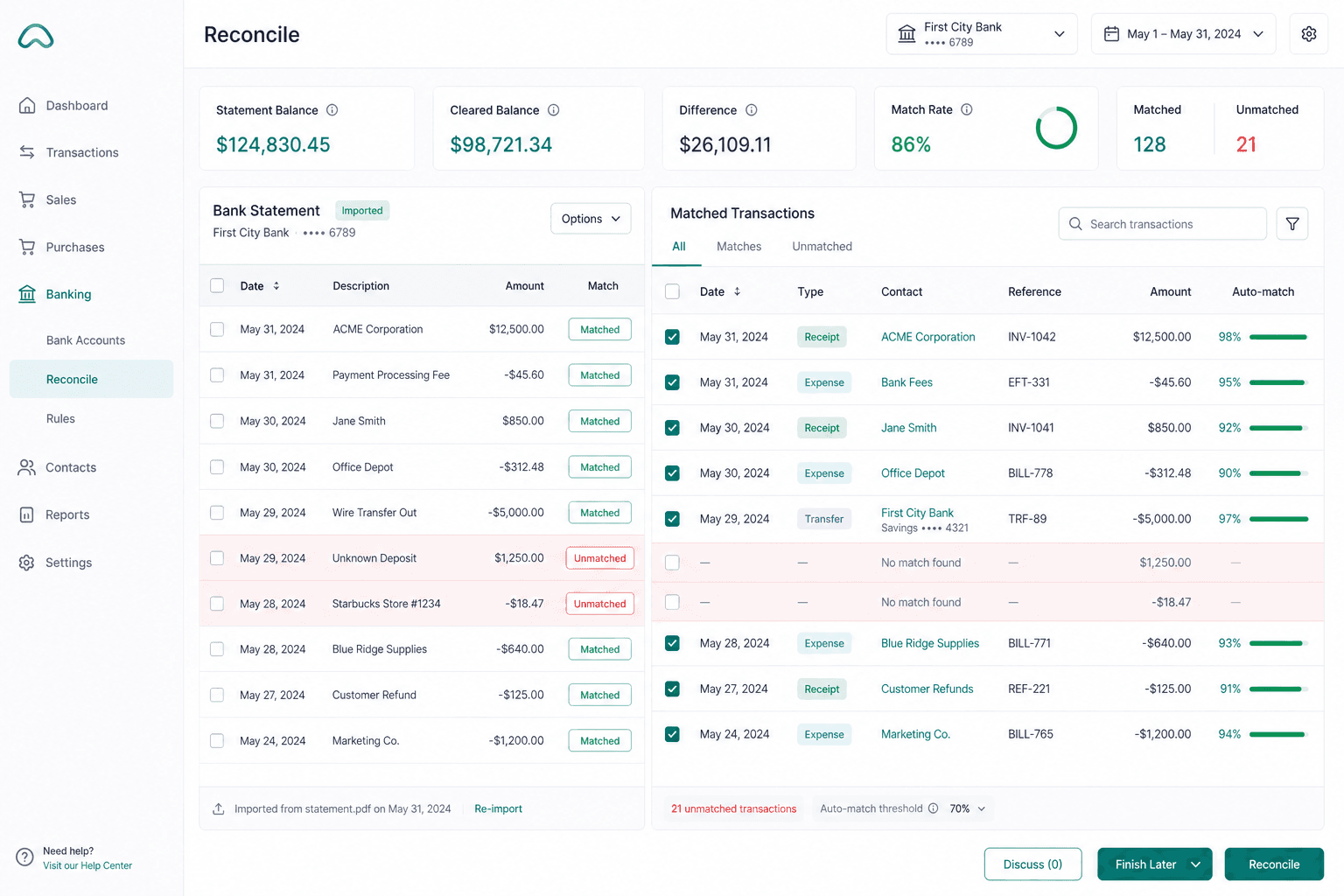
Smart bank reconciliation
Import statements via OCR or CSV — auto-match, split match, quick-create, and transfers.
Journals & chart of accounts
Manual double-entry journals, system journals from documents, and CSV COA import.
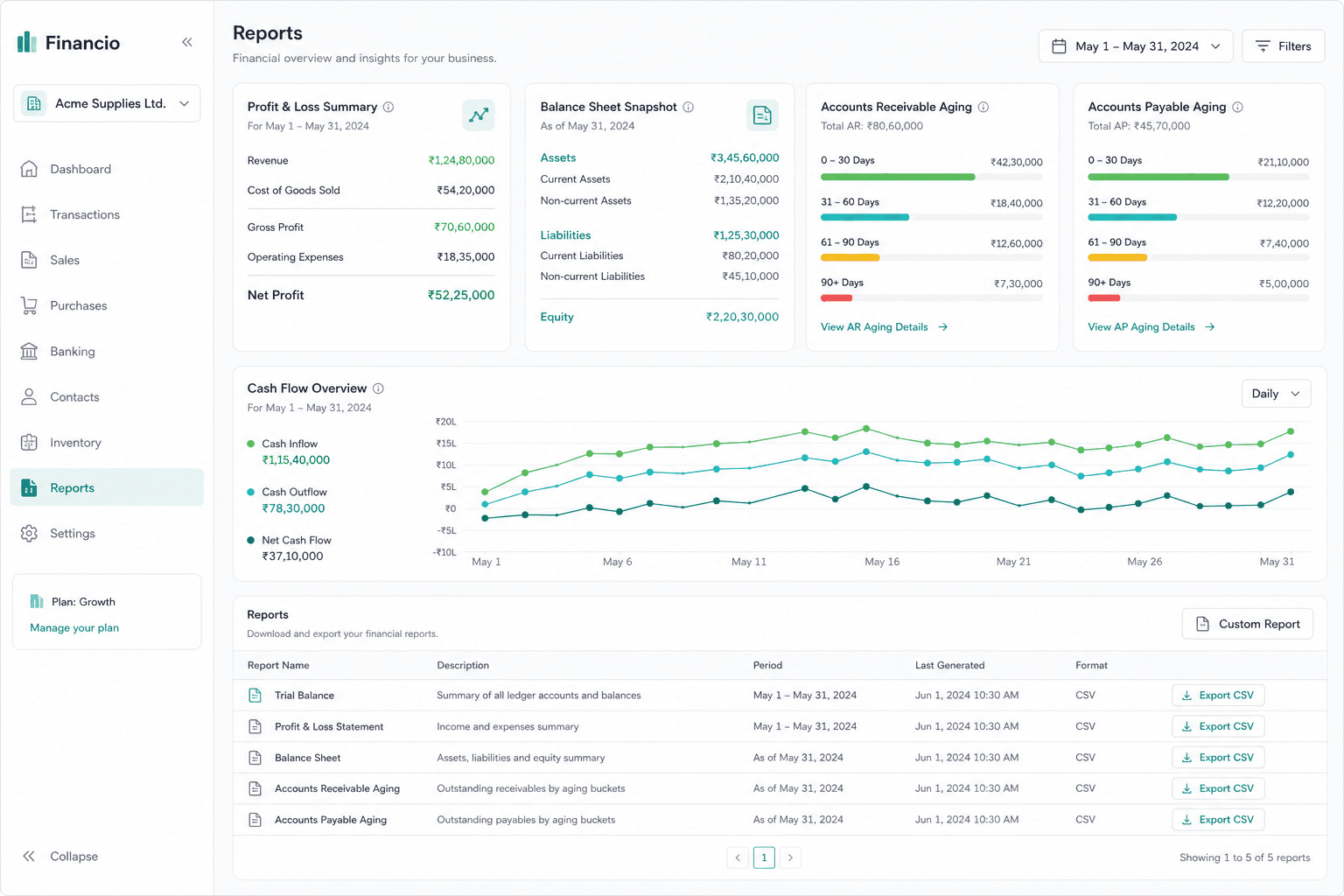
Full report suite
Trial balance, P&L, balance sheet, AR/AP aging, cash flow, tax summary — filter and CSV export.
OperAgent copilot & regional payroll
Talk to your books — and run HK or AU payroll in the same workspace.
01
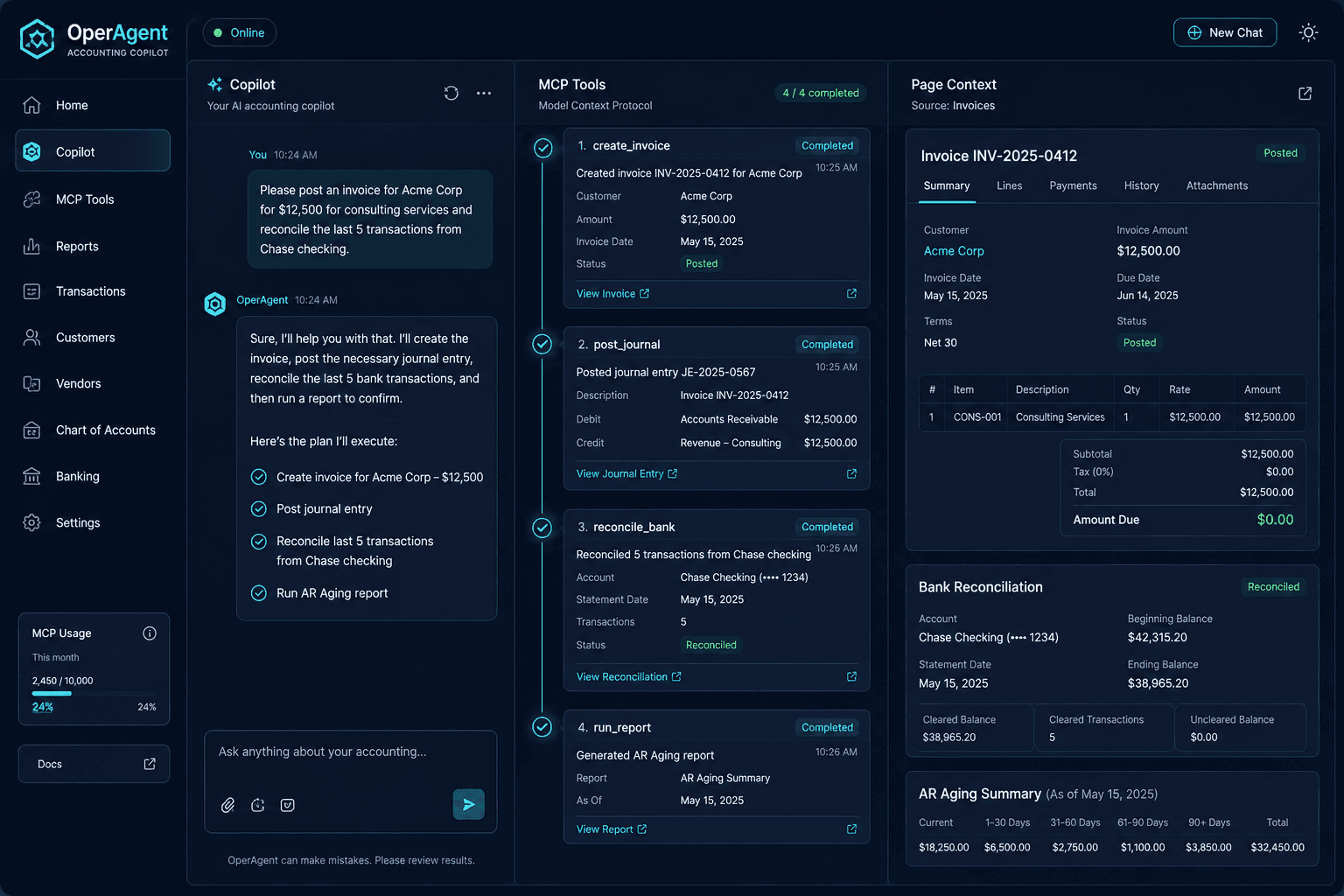
Context-aware copilot
Embedded on accounting pages — create, post, reconcile, and report in plain language.
02
140+ MCP tools
Installable Accounting MCP for Cursor/Claude — COA, docs, bank, reports, and imports.
03
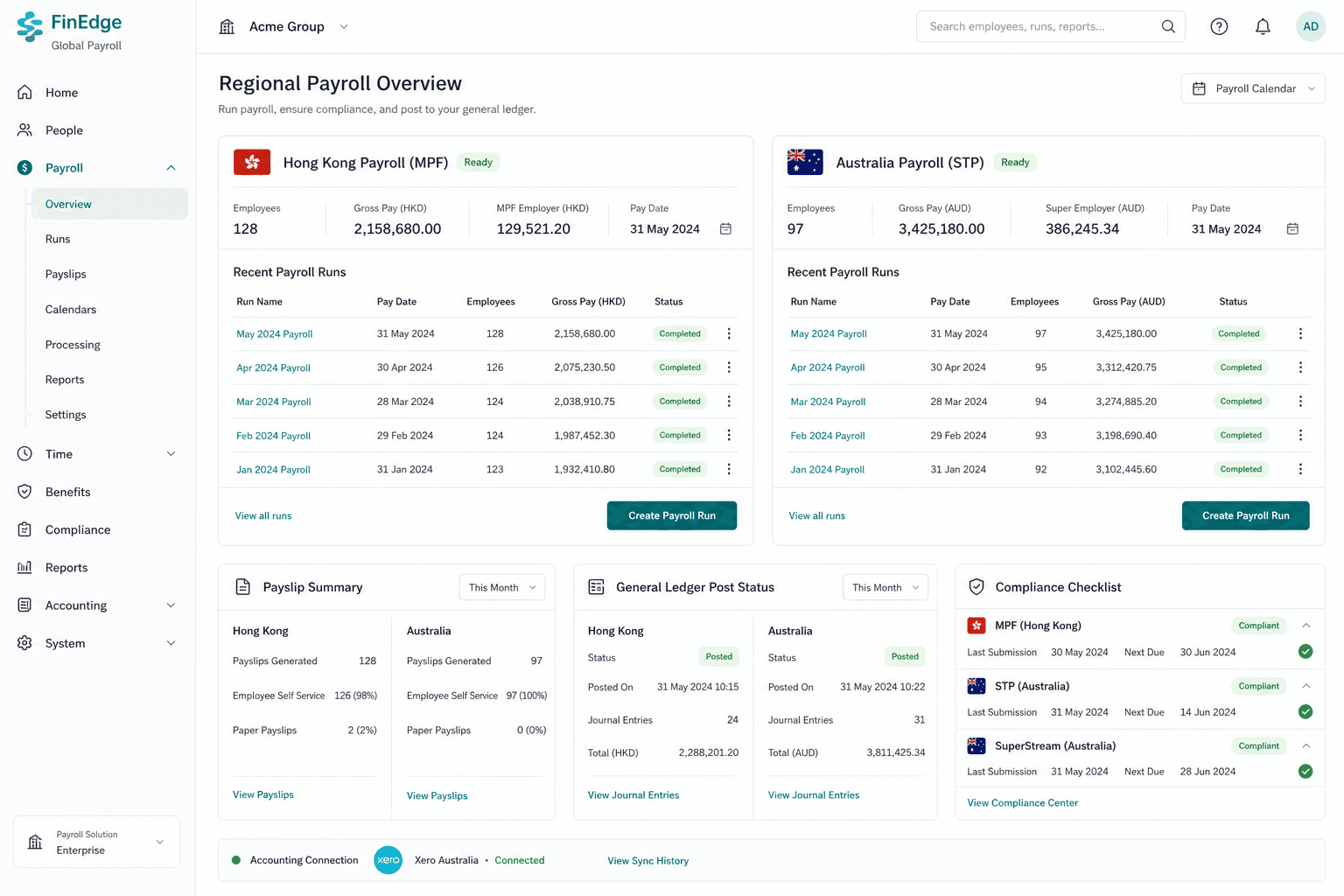
HK & AU payroll
HK MPF runs and AU STP / SuperStream / EOFY — payslips post straight to the GL.

Curious if accounting AI can help your books?
Tell us how you handle invoices, banks, and month-end today — we'll reply with a practical next step, not a sales pitch.
Contact Us on WhatsAppRun Accounting AI on Metadiv SaaS today
Subscribe, set up your COA, and start AI document import in minutes — HK or AU.
Go to Metadiv SaaS